1.0.0
Current November 2026- First public release: 71 tools in eight groups.
- English and Turkish interface, following the Windows language.
- Installer and portable version, both with everything they need built in.
Don’t pay a fortune for apps. Everything here is free, and completely legal. See the apps

Clean out junk files, switch off telemetry and ads, remove the apps Windows came with, and keep startup apps, services, drivers and updates under control. More than 70 maintenance tools that Windows scatters across a dozen places, in one window.
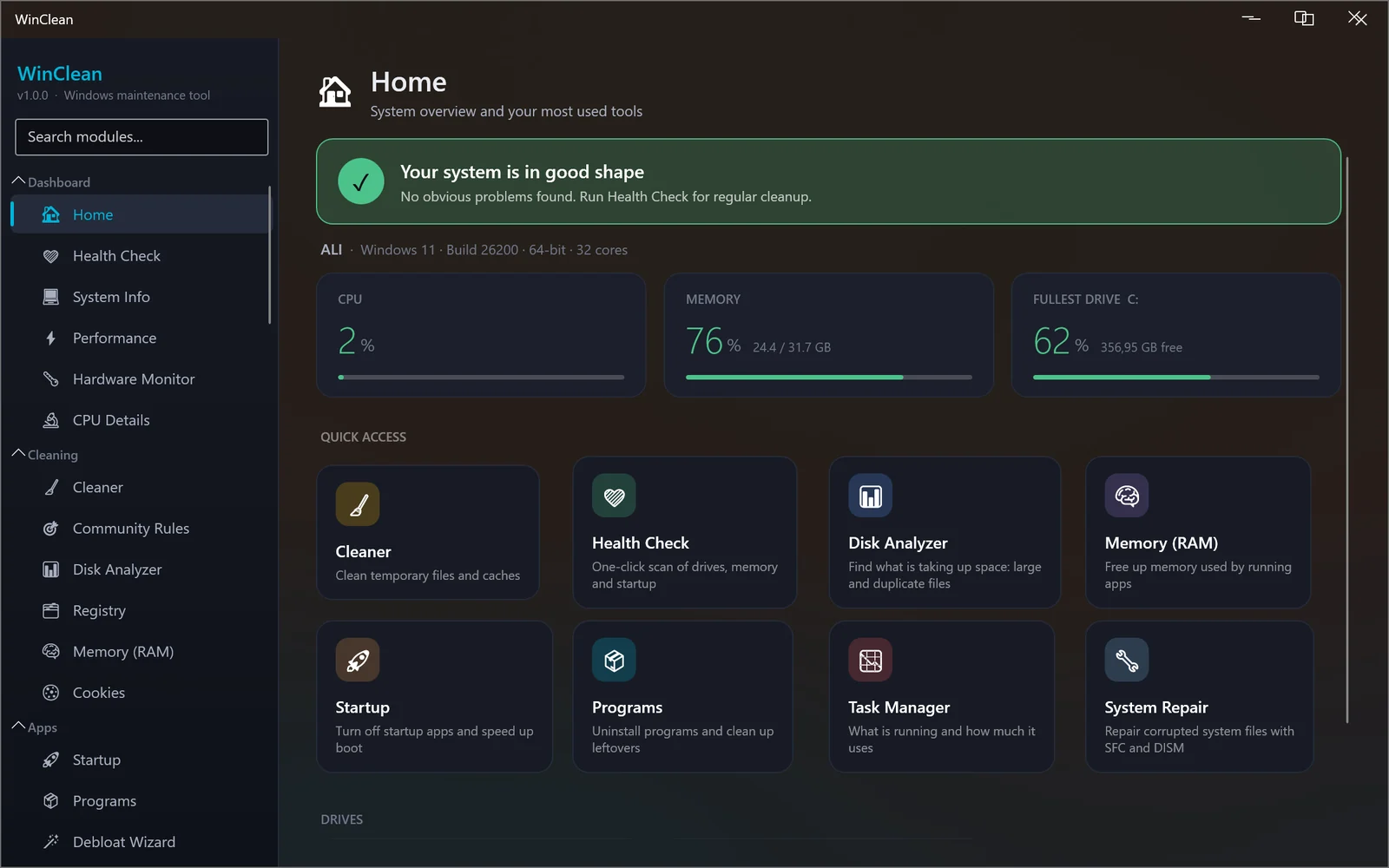
Every tool is one entry in the sidebar, grouped the way you would look for it. Nothing is cleaned, removed or changed until you press the button for it.
Temporary files, browser and app caches, logs and update leftovers in more than 40 categories, plus 3,700+ community rules from the Winapp2 project. Scan first, see the size of each item, then clean what you choose.
A disk analyzer that finds the largest folders, big files and duplicates. Old driver versions left in the driver store can be backed up and removed.
A wizard with ready profiles for telemetry, ads, Copilot, Recall, Widgets and Edge, privacy switches one by one, and removal of the Store apps Windows came with. Removed apps can be restored from the same page.
Uninstall programs and find what they left behind, turn off startup entries, tidy the right-click menu and browser extensions, and install or update apps through winget.
Pause or block Windows Update, repair system files with SFC and DISM, manage restore points, services, scheduled tasks, Windows features, drivers and local users, and read the event logs.
Flush DNS, reset Winsock and IP settings, set an encrypted DNS server, ping, trace and scan ports, watch live bandwidth, run a speed test, and edit the hosts file with ready blocklists.
A dashboard with a one-click health check, system information, temperature and fan sensors, a task manager that can check running programs against VirusTotal, and power, SMART and disk speed reports.
Defender and firewall at a glance, secure file deletion, a free-space wiper, certificate stores, Wi-Fi profiles, and a password vault encrypted with AES-256 under your master password.
Before registry cleaning, privacy changes, debloating or driver removal, WinClean asks Windows for a system restore point (Windows makes at most one a day). Registry cleaning and hosts edits are also backed up to files first.
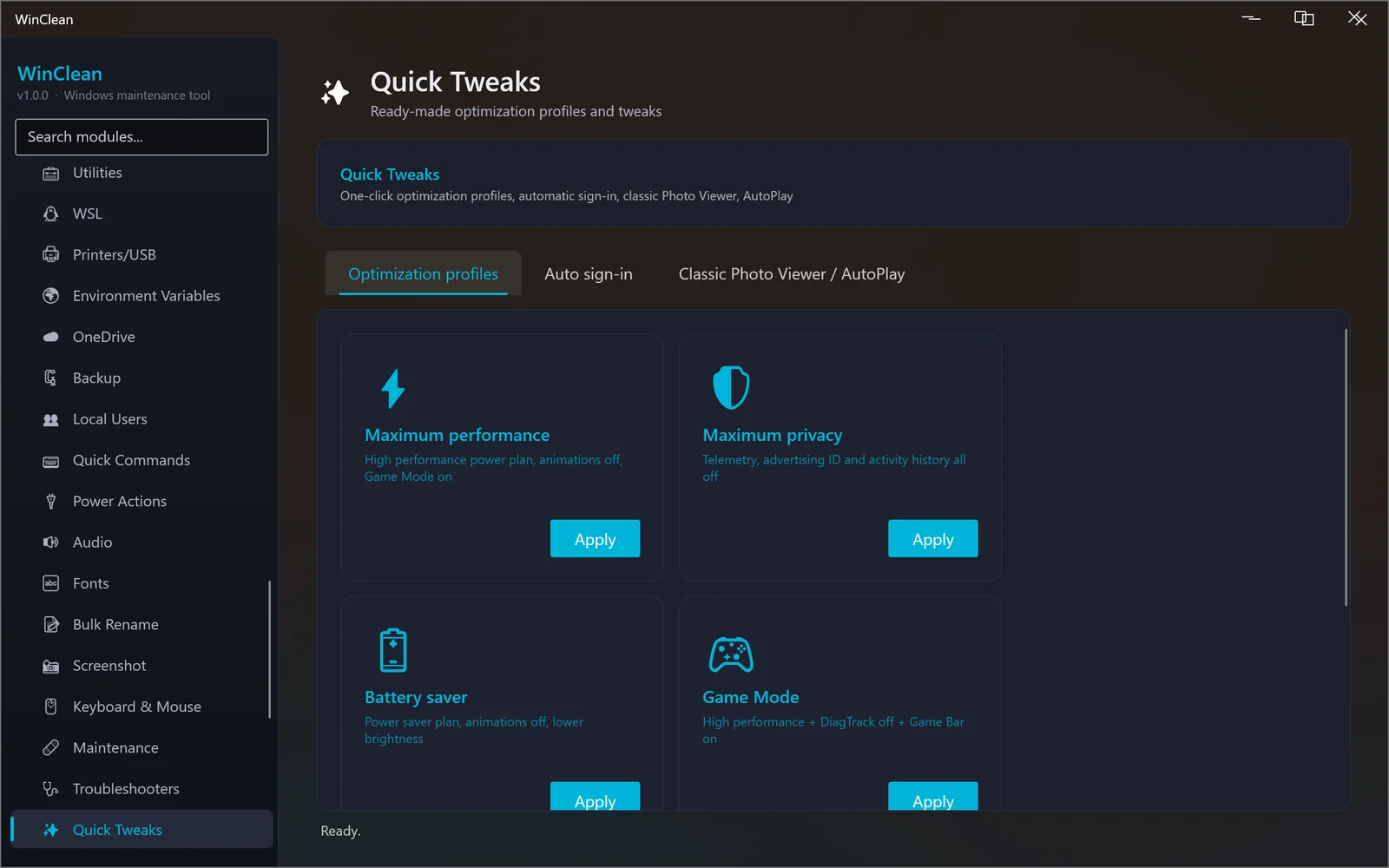
Real screenshots of version 1.0.0. Nothing here is a mock-up.
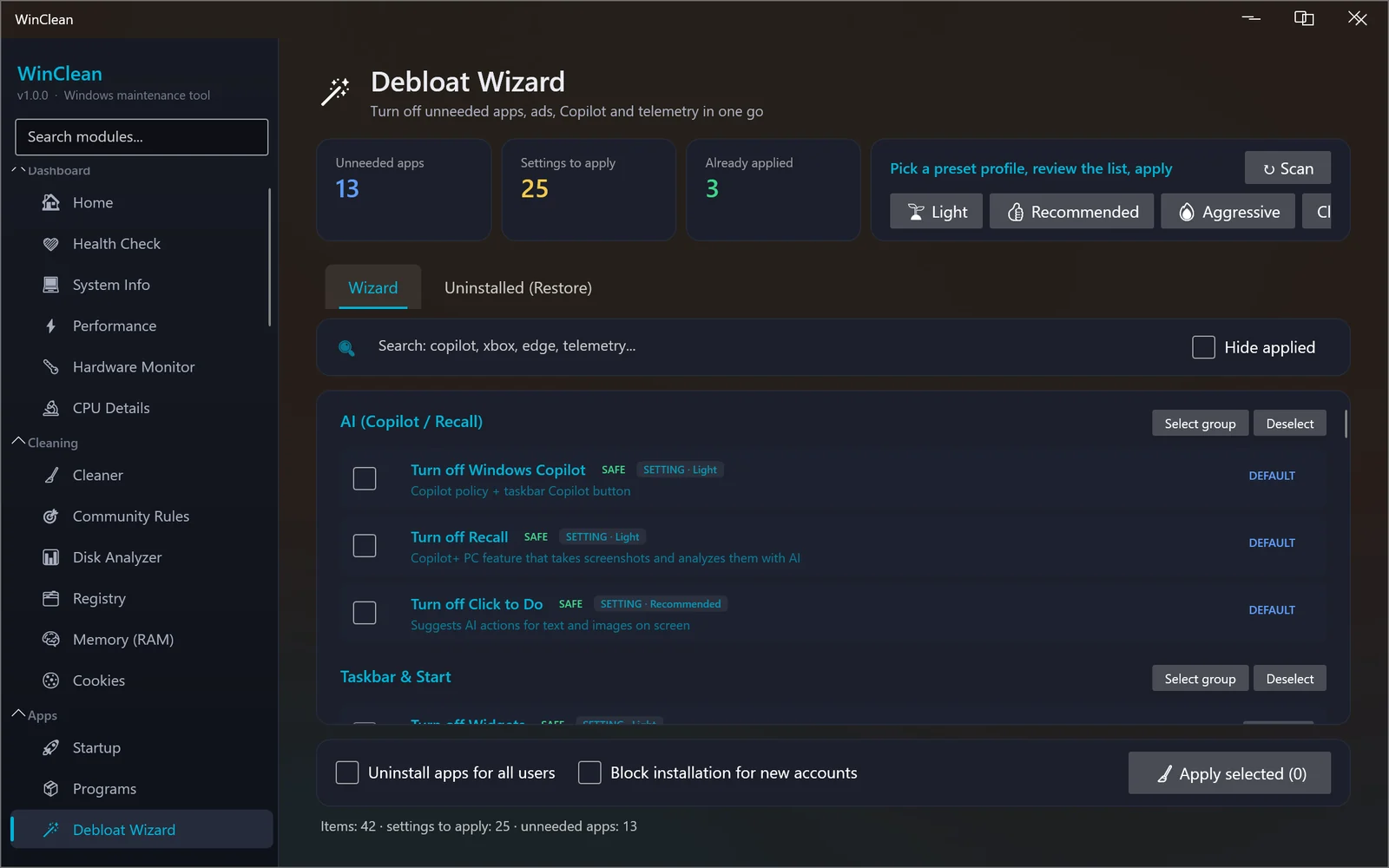
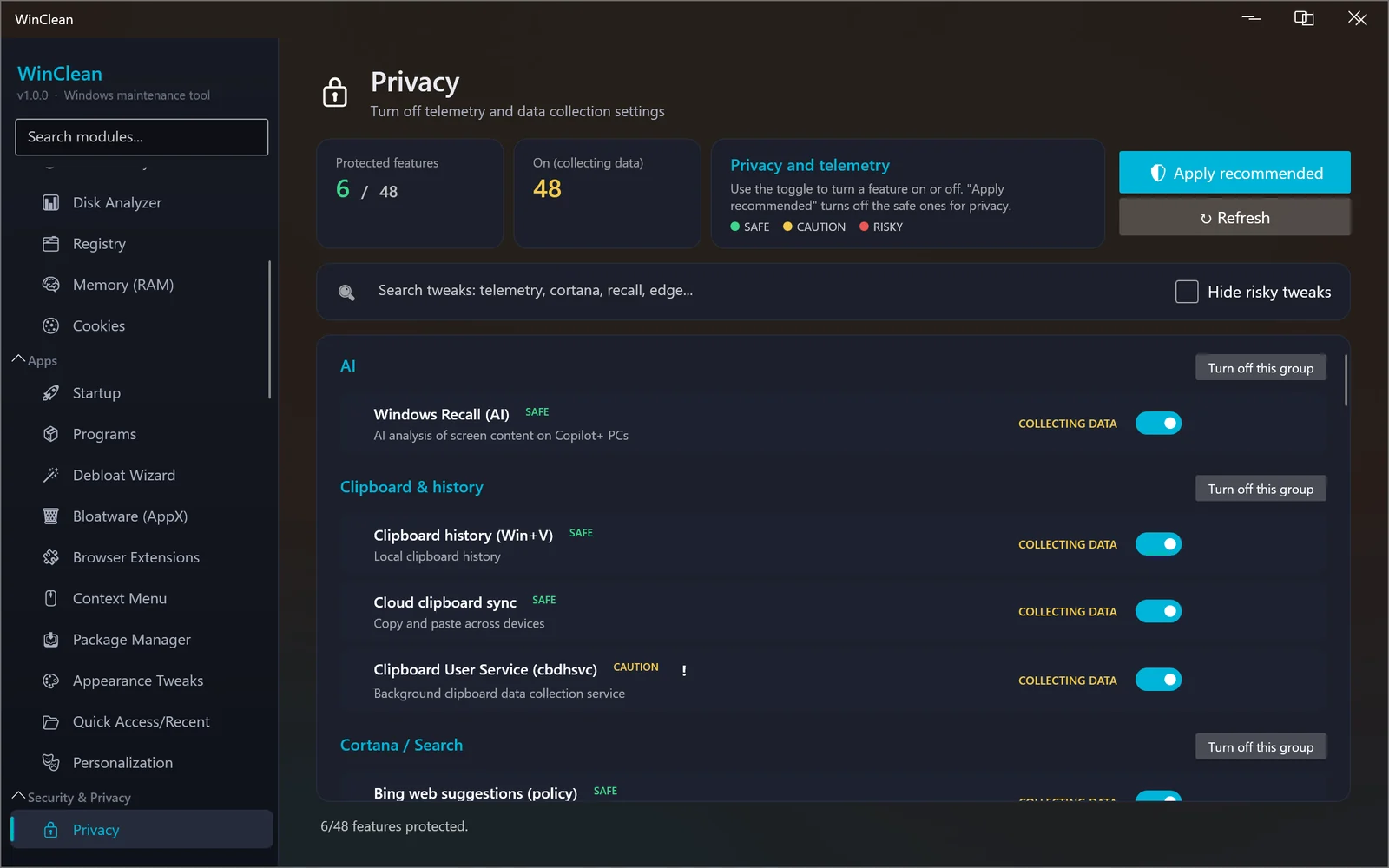
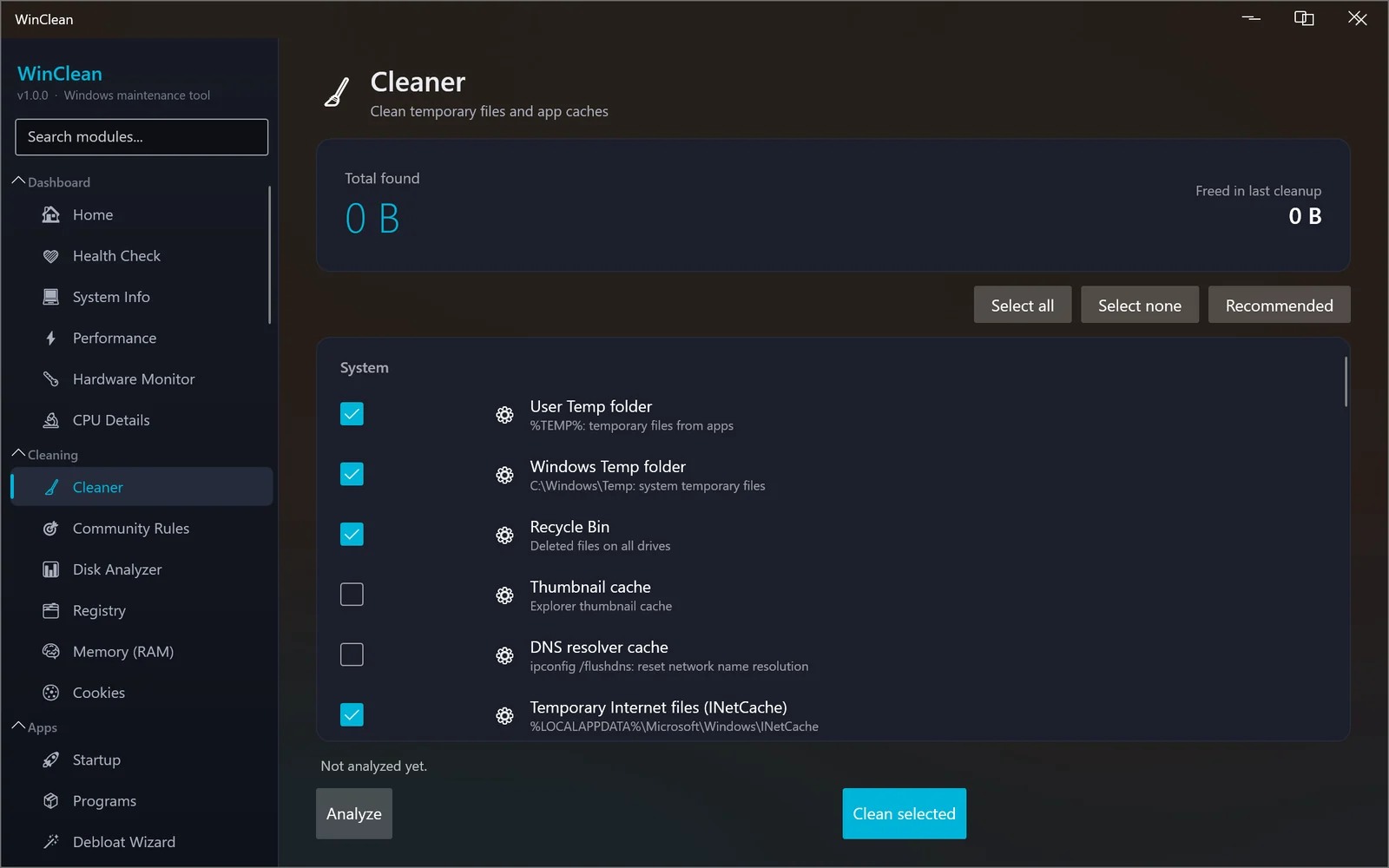
WinClean changes real system settings when you ask it to. These are the things to know first.
Run WinClean-Setup-1.0.0.exe.
If Windows says "Windows protected your PC", choose More info, then Run anyway. The installer is not code-signed yet, and SmartScreen shows this for any new download until it has built up a reputation.
Allow the administrator prompt. Setup installs WinClean in Program Files and adds a Start menu shortcut; a desktop shortcut is optional. It does not need .NET or anything else installed first.
Rather not install anything? The portable version is a single .exe that runs from any folder or a USB stick, and keeps its settings in the same place as the installed version.
Updates and removal. WinClean does not update itself. Press
Settings → Check for updates and it tells you when a newer
version is on this page. To remove it, use Settings → Apps in
Windows. The uninstaller also deletes the scheduled tasks WinClean created, and keeps your
settings and password vault in %APPDATA%\WinClean
in case you come back.
Nothing on its own. WinClean has no analytics, no error reporting, no account and no background update check. It goes online only when you use a tool that needs the internet, and here is exactly what each one does.
The site-wide privacy page has the same detail.
Built with .NET, ModernWPF, LiveCharts2, LibreHardwareMonitor, SQLite and Serilog, all open-source projects, with thanks. The cleaning rules come from the Winapp2 project under CC BY-SA 4.0. The full list is in THIRD-PARTY-NOTICES.txt next to the program.
WinClean is independent software. It is not affiliated with, endorsed by or sponsored by Microsoft. Windows, Defender, OneDrive and Edge are trademarks of Microsoft Corporation and are named here only to say what the app works with.
Free in full, for Windows. Nothing to sign up for.
Found a bug? Use Settings → Report a bug in the app, or write to [email protected]